
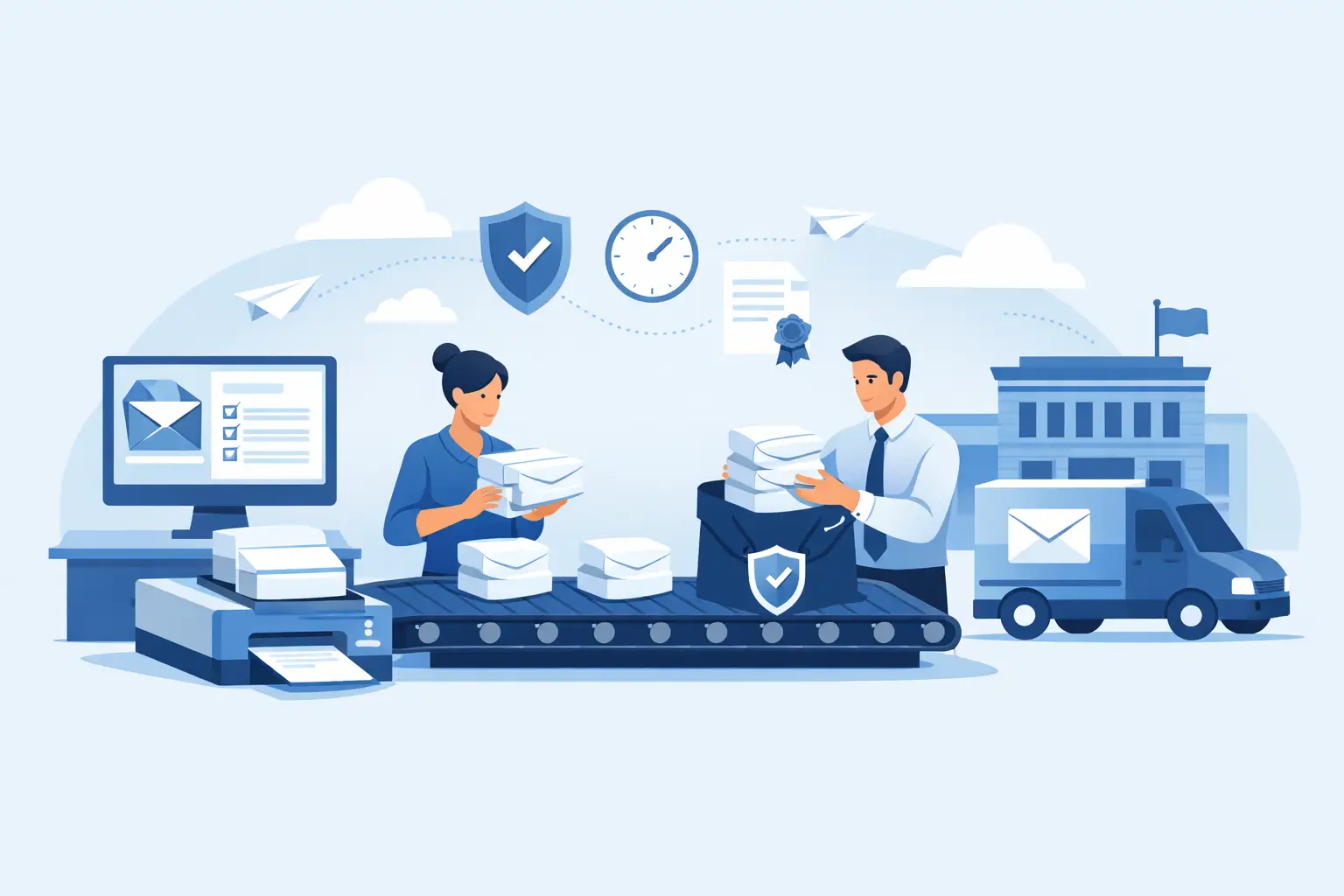
When a law office, property management team, or compliance department has 50 certified letters to send before the end of the day, the problem is rarely the letter itself. The real bottleneck is the mailing workflow. Batch Certified Mail processing solves that problem by turning Certified Mail from a piece-by-piece counter task into a controlled desktop process with repeatable steps, tracking visibility, and mailing records that are easier to maintain.
For organizations that send recurring notices, demand letters, account communications, legal correspondence, or regulated customer mail, the difference is operational. Preparing one certified letter by hand may be manageable. Preparing dozens or hundreds manually creates avoidable labor, inconsistent records, and delays that can affect service levels or compliance timelines.
What Batch Certified Mail Processing Actually Means
Batch Certified Mail processing is the preparation of multiple USPS Certified Mail pieces in one organized workflow rather than handling each item individually. Instead of writing or keying the same information over and over, users generate labels or envelopes in groups, apply extra services such as Return Receipt or electronic tracking when needed, and produce mailing documentation in a format that supports review and retention.
In practice, that usually means importing address data, assigning mailing options, printing USPS-compliant materials, and creating a manifest or related mailing record before the mail enters the postal stream. The goal is not just speed. It is also consistency. Every mailpiece should be prepared the same way, every tracking number should be associated with the right recipient, and every mailing event should be easier to verify later.
That matters most in environments where proof of mailing and proof of delivery are tied to legal, financial, administrative, or customer-service obligations. If your office may need to show when a notice was sent, what address was used, or whether delivery was attempted, your process has to support that documentation from the start.
Where Manual Certified Mail Breaks Down
Manual Certified Mail is familiar, but familiarity is not the same as efficiency. A staff member may fill out forms, affix labels, stand in line, collect receipts, and then store paper records in folders or filing cabinets. That method can work for occasional senders. It becomes harder to defend when volume increases.
The first issue is labor. Repetitive data entry and manual assembly consume staff time that could be used for billing, casework, resident support, or account administration. The second issue is error risk. Handwritten numbers, mismatched receipts, and incomplete files create recordkeeping gaps. The third issue is visibility. When tracking information lives across paper slips, emails, and USPS lookups, status checking becomes another manual task.
There is also a timing issue. Counter-based mailing depends on post office hours, travel time, and line length. For teams operating against deadlines, that dependency is a weak point.
How Batch Certified Mail Processing Improves Control
The strongest case for batch processing is process control. When Certified Mail is prepared in batches, the office can standardize how mail is produced and documented. That reduces variation between users and makes it easier to train staff.
A controlled workflow typically starts with address and recipient data already maintained in a case management system, CRM, spreadsheet, billing platform, or internal database. Instead of retyping each record, users move that data into a mailing workflow where service selections, label generation, and print output follow defined rules. If certain notices always go out as Certified Mail with Return Receipt, those settings can be applied consistently.
Control also improves after the mail is prepared. Tracking numbers can be tied back to recipient records, mailing dates, and internal references. That association matters when someone asks a basic but urgent question: Was this notice mailed, and what happened to it?
For higher-volume users, manifests are another practical advantage. They support acceptance and documentation by grouping mailpieces into a single operational record rather than leaving staff to manage loose individual receipts.
Batch Certified Mail Processing for Different Office Types
The value of batch processing looks slightly different depending on the organization.
A law firm may care most about mailing evidence, staff efficiency, and the ability to retrieve records tied to a matter. An accounting or collections team may focus on large recurring mail runs and delivery follow-up. Property managers often need to issue notices to many residents within a narrow time frame. Government offices and regulated administrative departments usually need a mailing process that is both repeatable and documented.
The common thread is volume paired with accountability. If the mail has consequences, the process cannot rely on memory, handwritten logs, or disconnected receipts.
What to Look For in a Batch Workflow
Not every batch process is equally useful. Speed alone is not enough if the output creates new reconciliation work later. A practical batch Certified Mail processing system should support accurate address handling, clear association of tracking numbers to each record, print-ready USPS-compliant materials, and access to delivery status information.
It should also fit the way your office already works. Some teams process mail directly from spreadsheets. Others need account-level controls, user permissions, funding tools, department separation, or integration through API or SFTP. A small office may only need occasional batch uploads and simple reporting. A larger operation may need to automate the handoff from an internal system to a mailing platform so the process scales without more administrative effort.
This is where trade-offs matter. A basic approach may cost less and be easier to set up, but it can leave too much manual handling in place. A more integrated workflow may require planning and testing, but it usually produces better long-term consistency for organizations with ongoing volume.
Why Documentation is the Real Output
People often describe Certified Mail in terms of postage or labels, but for many professional senders, the real output is documentation. The label gets the piece into the mailstream. The record is what supports the business process afterward.
Good batch processing makes that record easier to create and easier to retrieve. Mailing dates, tracking numbers, delivery attempts, delivery confirmation, and Return Receipt information should be tied to the piece without forcing staff to scan paper slips or build manual spreadsheets after the fact.
That changes the administrative burden significantly. Instead of proving mailing by reconstructing events from multiple sources, staff can work from a clearer chain of record. In regulated environments, that distinction matters.
Common Implementation Mistakes
The most common mistake is treating batch mailing as a printing project instead of a workflow. Printing labels faster helps, but if the address file is messy, the service selections are inconsistent, or the office has no standard for record retention, the process will still generate avoidable issues.
Another mistake is failing to separate low-volume exceptions from routine batch work. Not every certified letter belongs in the same process. Some pieces need special handling, different approvals, or custom inserts. A good workflow accounts for those exceptions without forcing every routine mailing through a manual review path.
A third issue is underestimating internal ownership. Batch processing works best when someone is responsible for address source quality, print procedures, acceptance steps, and reporting access. The technology helps, but the process still needs operational discipline.
When Automation Starts to Make Sense
For offices with recurring Certified Mail programs, automation becomes more attractive once volume is predictable. If your team sends the same categories of notices each week or month, manual uploads may start to feel like an unnecessary checkpoint.
In those cases, integration can reduce touchpoints between the system that holds your recipient data and the system that generates Certified Mail materials. That does not eliminate review. It reduces duplicate handling. For enterprise mailrooms, institutions, or multi-location operations, automation also helps enforce standards across departments.
Certified Mail Labels supports this kind of higher-volume workflow with batch tools, manifests, and automation options designed for organizations that need USPS-compliant preparation without relying on post office counter processing.
Is Batch Processing Right for your Operation?
If your office sends Certified Mail only a few times a year, a fully developed batch workflow may be more than you need. But if staff regularly prepare multiple certified pieces, spend time managing receipts, or struggle to answer tracking and record questions later, batch processing is usually justified.
The right threshold is not just mail volume. It is the point where manual preparation creates friction, inconsistency, or documentation risk. For some teams that happens at 10 pieces a week. For others it happens at 100 pieces a day.
The practical test is easy: if Certified Mail is recurring, deadline-driven, or evidence-sensitive, it should be treated as an operational process, not an errand. A better mailing workflow does more than save time at the post office. It gives your office a cleaner way to prepare mail, monitor delivery, and stand behind the record when it counts.