
Definition, Uses, and How Bulk Mailers Use It
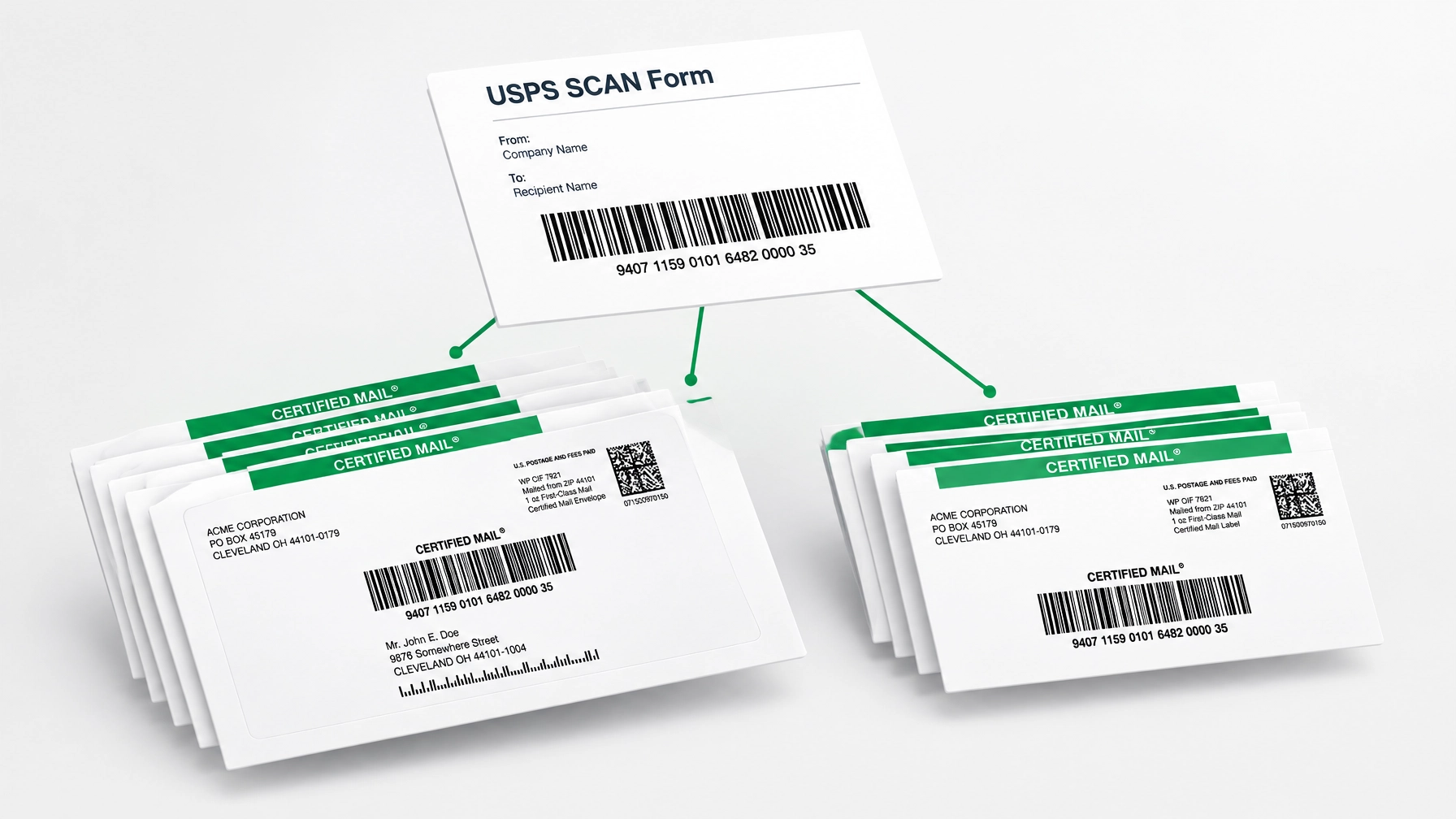 A USPS SCAN Form is a Shipment Confirmation Acceptance Notice, usually PS Form 5630, that uses one master barcode to link many USPS tracking labels so one USPS scan records acceptance for every piece.
A SCAN Form is a batch acceptance document for bulk certified mail and other trackable USPS shipments. It connects each piece’s tracking barcode to one electronic file number (EFN), helping USPS accept dozens, hundreds, or more pieces with one scan. PS Form 3152 is the related form used for certain bulk or manifest mailings.
In Plain English
Instead of asking a USPS clerk or carrier to scan every individual label, you provide the mailing together with one SCAN Form. USPS scans the form’s master barcode, and every linked piece receives an official “Accepted” event in USPS Tracking.
The SCAN Form does not replace your individual USPS Certified Mail labels. Your labels identify and track each letter; the SCAN Form groups them together for faster acceptance and cleaner recordkeeping.
What It Includes
A USPS SCAN Form generally includes:
- One master barcode representing the mailing.
- An electronic file number connecting the form to the individual labels.
- The mailing date and mailer information.
- The tracking barcodes associated with each package or mail piece.
- A consolidated record that USPS can scan at pickup, a retail counter, or another approved entry point.
The USPS Web Tools SCAN API supports consolidating multiple domestic and international labels and forms through one EFN and physical SCAN Form. The API can support up to 1,000 package barcodes in a single request, making it useful for high-volume operations.
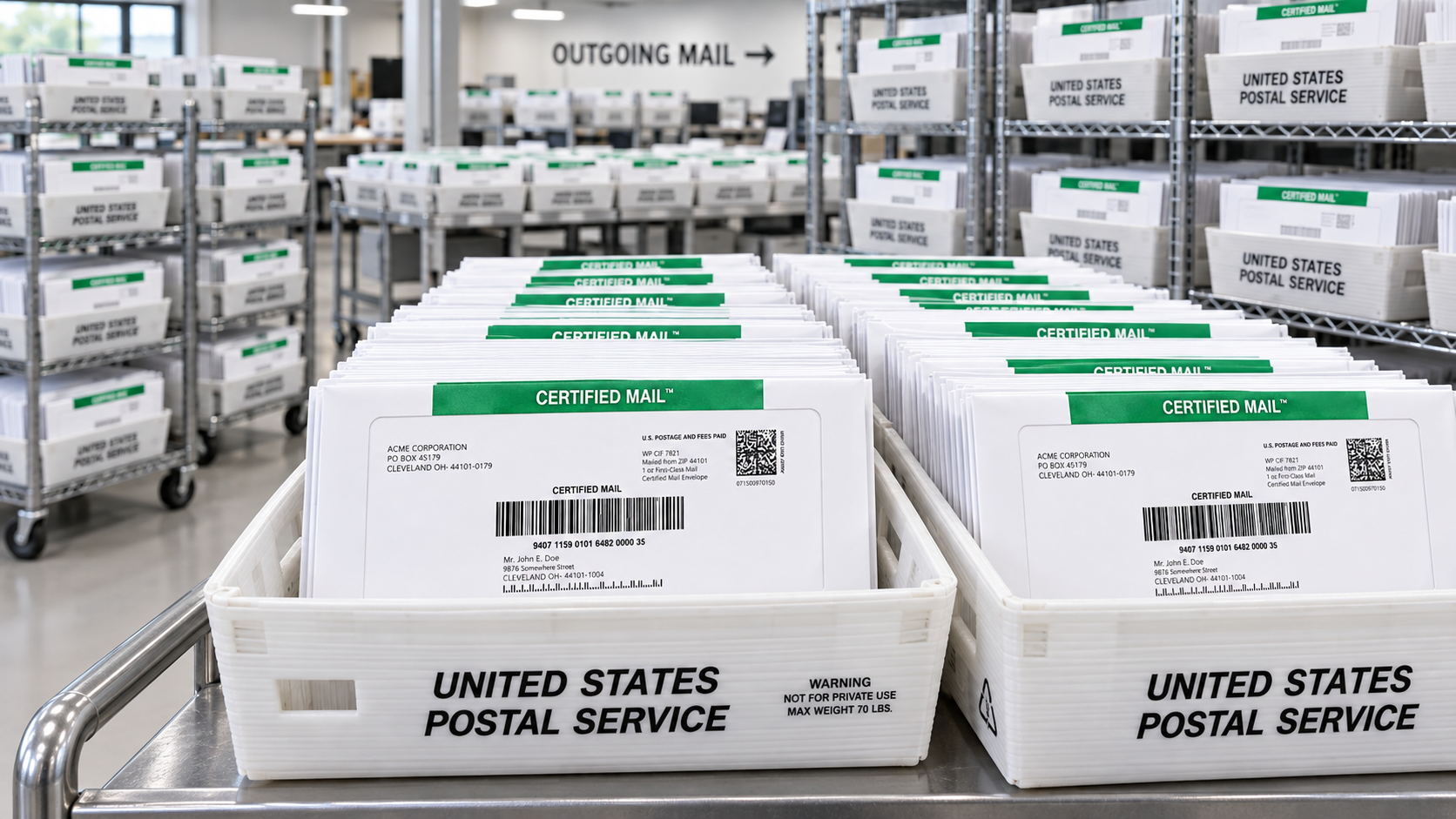
When You Need It
A SCAN Form is optional, but it is especially useful when you send:
- Bulk certified mail for legal notices, collection letters, or compliance correspondence.
- Dozens, hundreds, or thousands of USPS Certified Mail pieces at one time.
- Mailings created with your own USPS Certified Mail labels or electronic postage.
- Recurring notices from a law firm, property management company, government agency, healthcare provider, or financial institution.
- Mail that requires a clear, dated USPS acceptance record for internal reporting or compliance files.
For one occasional letter, individual acceptance may be simple enough. For a large batch, a SCAN Form saves time, reduces manual scanning, and gives you one receipt showing USPS accepted the mailing.
How It Works with Certified Mail Labels
Certified Mail Labels generates a USPS SCAN Form automatically for qualifying batch mailings. Your USPS Certified Mail labels and the SCAN Form go to USPS together, and one scan records acceptance for every piece linked to the form. The SCAN Form must be created before 7:00 PM Eastern on the same day the labels are created so the acceptance record can be created that day. Certified Mail Labels also stores the acceptance record, tracking events, delivery confirmations, and related documents in its free 10-year compliance archive.
This makes it easier to manage Certified Mail tracking without keeping stacks of paper receipts or manually matching every tracking number to a counter transaction.

Frequently Asked Questions
What Does SCAN Stand For?
SCAN stands for Shipment Confirmation Acceptance Notice. The standard form is generally PS Form 5630, while PS Form 3152 is a related form used for certain bulk or manifest mailings.
Does One SCAN Form Accept Every Piece in a Batch?
Yes. When USPS scans the master barcode, every USPS label linked to that SCAN Form receives an acceptance event. Each piece still keeps its own individual tracking number for later tracking.
Is a USPS SCAN Form Required?
A SCAN Form is optional in many workflows, but it is important for efficient batch acceptance. USPS rules may require PS Form 3152 or PS Form 5630 with mailings when a mailer uses the electronic option or prints their own labels and wants an electronic entry scan.
How Does a SCAN Form Help with Certified Mail Tracking?
It starts the acceptance record for every linked Certified Mail piece at once. You also receive a consolidated acceptance record, making it easier to confirm when the mailing entered the USPS system.
How Do You Send Certified Mail in Bulk?
Create your USPS Certified Mail Labels, prepare the letters, generate the SCAN Form, and present the labels and form to USPS together. Certified Mail Labels can also print and mail your PDF letters for you on the same business day when submitted before the applicable cutoff.
Does a SCAN Form Change the Certified Mail Fee?
No. The SCAN Form is an acceptance and processing tool; it does not replace postage or the Certified Mail fee. USPS Notice 123 lists the Certified Mail fee as $5.55 per item, in addition to postage and other fees, as of July 12, 2026.
For bulk certified mail, a SCAN Form gives you a faster USPS handoff, cleaner certified mail tracking, and a dependable record of acceptance. Use Certified Mail Labels to create your labels and batch mailing records online, without a trip to the Post Office.
Sources
- USPS Postal Bulletin 22239 (August 14, 2008), "PS Form 5630, Shipment Confirmation Acceptance Notice" (about.usps.com): PS Form 5630 "links all the packages in the shipment to one barcode. Customers can schedule a pickup, give the packages to a letter carrier, or bring the packages to the retail window or back dock. The postal employee then scans the barcode, and every package in the shipment receives an 'Acceptance' event from the Post Office."
- USPS Web Tools SCAN API User Guide v3.2 (May 30, 2024), usps.com/business/web-tools-apis: "The SCAN API allows integrators to consolidate multiple domestic and international labels and custom forms through one Electronic File Number (EFN) and physical SCAN Form (PS Form 5630 or 3152)."
- U.S. Domestic Mail Manual (DMM) 503.1.7.4 "Acceptance", updated July 12, 2026, USPS Postal Explorer: mailers who use the electronic option or print their own labels must submit PS Form 3152 or PS Form 5630 with each mailing, including the electronic file number in barcode (preferred) or written form.
- USPS Notice 123, Price List, updated July 12, 2026, Postal Explorer, p. 28: Certified Mail fee $5.55 per item, in addition to postage and other fees.