
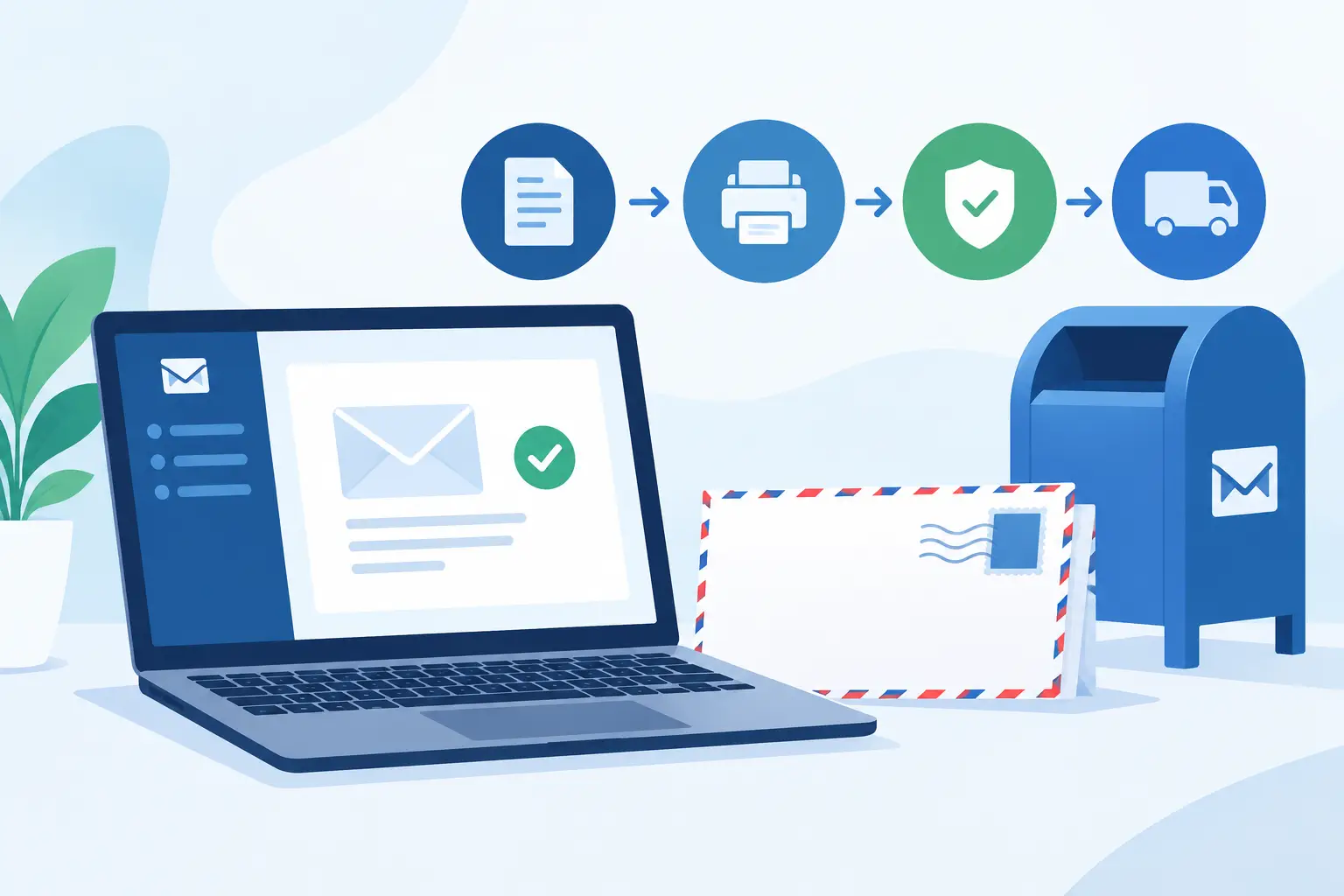
 A missed tracking event or an unfiled mailing receipt can turn a routine notice into a difficult records request. For offices that send time-sensitive, legal, financial, or compliance-related correspondence, mailing software should do more than generate an address label. It should establish a documented process from preparation through USPS acceptance and delivery.
That distinction matters when a recipient disputes receiving a notice, a deadline is challenged, or an internal team needs to locate proof of mailing months later. The right system reduces manual preparation while preserving the records that make Certified Mail useful in the first place.
What Mailing Software Must Document
General mailing tools can print labels and organize addresses. That may be enough for routine outbound mail, but it is not always enough for correspondence that requires a clear chain of custody. Certified Mail workflows need to account for the mailing date, USPS tracking number, acceptance event, delivery history, and, when selected, a Return Receipt Signature.
A practical mailing system brings those records together rather than leaving staff to assemble them from a printer tray, post office receipts, tracking screenshots, and shared email folders. The goal is not simply faster postage preparation. It is a repeatable process that can produce evidence when someone asks what was sent, when it entered the mailstream, and whether delivery was recorded.
For a law office, that may support notices to clients or opposing parties. For a property manager, it may support lease-related notices. Accounting teams, government offices, and compliance departments often have similar requirements, even though the documents and volumes differ.
Start With the Actual Mailing Workflow
Before selecting a system, map the work currently performed between document approval and filing the final proof. Many offices discover that the post office visit is only one part of the delay. Staff may also rekey addresses, hand-complete USPS forms, search for receipt numbers, and save records in separate locations.
A useful workflow begins with a mailing record. The sender enters or imports the recipient address, selects the Certified Mail service and any applicable Return-Receipt option, and produces the required label and postage. The same record should remain available after printing, so the mailpiece can be tracked without entering a number into a separate tool.
The handoff to USPS needs attention as well. If several items are presented together, a USPS acceptance SCAN form can create an operational checkpoint for the batch. Rather than obtaining and filing individual counter receipts for each piece, staff can retain the acceptance documentation associated with the group of mailpieces.
This does not eliminate the need to follow USPS mailing requirements. It does reduce avoidable variation in how forms are prepared, how records are named, and where proof is stored.
Choose Features Based on Risk and Volume
The best configuration depends on what is being mailed and how often. An individual sending occasional Certified Mail may mainly need accurate label preparation, postage, tracking, and access to delivery records. A high-volume office needs those functions plus controls for batches, user roles, reporting, and funding.
When evaluating mailing software, focus on whether it supports the operational evidence your organization may need later. Four areas usually deserve close review:
- Label and postage preparation: The system should prepare USPS Certified Mail materials correctly and clearly show the tracking number connected to each recipient record.
- Acceptance processing: For multi-piece mailings, look for batch manifests and SCAN forms that help document USPS acceptance efficiently.
- Tracking and delivery evidence: Delivery updates should remain connected to the original mailing record. If Return Receipt Signatures are required for certain notices, make sure they can be retained with the item history.
- Record retention and reporting: Searchable reports, mailing confirmations, and long-term storage reduce the burden of reconstructing a transaction after staff changes or a dispute arises.
More features are not automatically better. A small office may not need an API connection or automated address-file exchange. A centralized mailroom, however, may lose time and control if it must process hundreds of pieces one at a time. The correct choice is the one that fits the volume, documentation obligation, and division of responsibility in the organization.
Build a Process Staff Can Follow Consistently
Software cannot correct an unclear internal policy. Establish which documents require Certified Mail, who approves the address and mailing method, and where the final mailing record belongs in the client, resident, account, or case file.
For recurring notices, standardize the data fields used before a label is created. Recipient name, mailing address, internal matter number, document type, and preparer can all make later retrieval easier. The more consistently these fields are used, the less staff must rely on memory or inbox searches.
It is also useful to separate preparation from acceptance. A staff member may create and print labels in advance, while another employee presents the pieces to USPS and confirms the associated SCAN form. The system should make it straightforward to verify that every prepared item was either accepted, voided, or held for correction. An unmailed label should not be mistaken for proof that a document entered the mailstream.
Train staff on exceptions, not only the normal path. They should know what to do when an address is incomplete, a label is printed incorrectly, a recipient refuses delivery, or tracking shows an unexpected delay. Clear exception handling protects the integrity of the records and avoids improvised workarounds.
Use Reports as Working Records, Not Afterthoughts
A mailing report becomes more valuable when it is part of the daily process. Teams should be able to review items by date, recipient, tracking number, user, or batch, then save the relevant confirmation with the underlying business record when required by internal policy.
For many organizations, the key question is not whether tracking exists. It is whether the record can be found quickly and interpreted clearly. A report that ties a recipient to a tracking number, mailing date, acceptance status, and delivery result is more useful than a spreadsheet of disconnected numbers.
Retention periods should reflect organizational obligations. Some records are needed only for a short operational window, while legal or regulatory correspondence may need to remain accessible much longer. Certified Mail Labels stores mailing records and supporting documentation for up to 10 years, which can reduce dependence on local paper files and individual employee folders.
Security and access controls matter here as well. Mailing records can contain names, addresses, account references, or case-related information. Limit access to the staff who need it, use organization-managed credentials, and establish a procedure for removing access when responsibilities change.
Plan for Higher-Volume Certified Mail
At higher volume, the main risk is inconsistency. Manually producing labels one by one may work for five pieces, but it creates avoidable error opportunities when an office sends dozens or hundreds of notices. Batch processing allows teams to import or enter multiple recipients, generate the associated mailing materials, and retain a grouped acceptance record.
Enterprise and institutional mail programs may need automation through API or SFTP workflows. These connections can pass approved recipient data from a case-management, billing, property-management, or records platform into the mailing process. Automation is worthwhile when it removes repeated data entry without weakening review controls.
However, integration should not become a substitute for validation. Test address formats, service selections, duplicate handling, and exception reporting before moving a critical mailing program into an automated workflow. The time saved by automation can disappear quickly if staff must repair bad data after labels have been generated.
A Better Standard for Mailing Evidence
The value of Certified Mail is not just the tracking number printed on an envelope. It is the ability to demonstrate a controlled mailing process with records that remain available when the original transaction is no longer fresh.
Set up mailing software around that standard: prepare accurately, document USPS acceptance, monitor delivery, and keep the supporting evidence organized. When a question arrives six days or six years later, the right record should be a routine retrieval task rather than an investigation.