
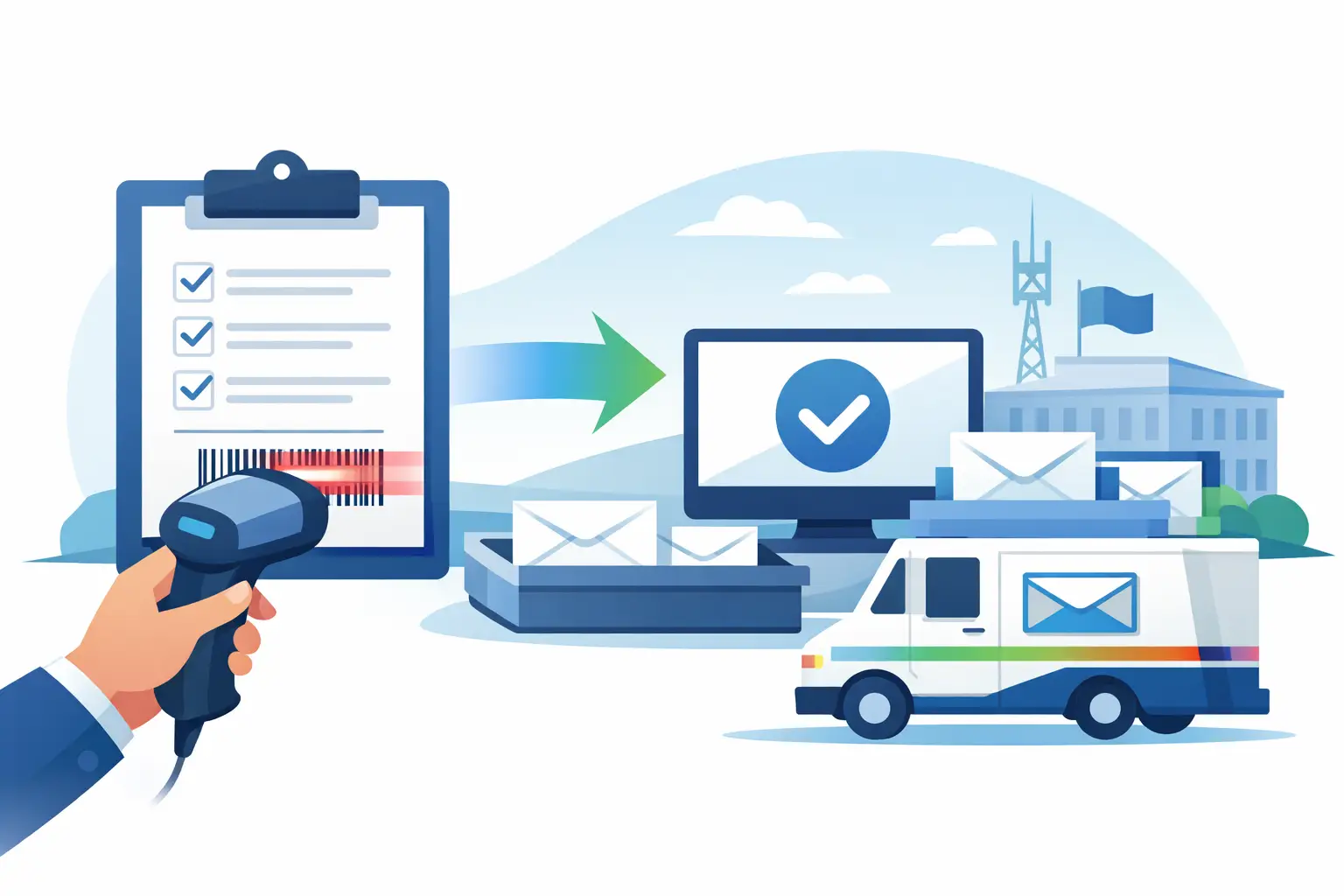
 A completed Certified Mail label is only one part of a documented mailing workflow. This acceptance scan form guide explains how to use a USPS Acceptance SCAN form to establish the handoff of prepared mail, reduce counter time, and retain a usable record for your file.
For law offices, property managers, accounting teams, government departments, and administrative staff, the practical issue is not simply getting an item into the mailstream. It is being able to show what was mailed, when it was presented to USPS, and how the item moved afterward. The acceptance scan supports that chain of record when it is prepared and handled correctly.
What an Acceptance SCAN Form Does
A USPS Acceptance SCAN form, commonly associated with PS Form 5630, is a single barcode that represents a group of eligible prepaid shipping or mailing labels. At the post office, a USPS employee scans that barcode rather than scanning each individual package or mailpiece separately. The scan records USPS acceptance of the electronic manifest for the included items.
For a Certified Mail workflow, this can make a substantial difference at the counter. Instead of presenting a stack of separately prepared articles and waiting for individual processing, the sender presents the mailpieces with the manifest or acceptance form. The clerk scans one barcode, and the associated tracking records can begin reflecting acceptance activity.
The form is especially useful when an office sends several Certified Mail pieces at once. It provides an operational checkpoint between internal preparation and USPS custody. That checkpoint should be saved with the mailing batch documentation, not treated as disposable counter paperwork.
An acceptance SCAN form is not the same as a delivery record. It does not replace tracking history, a Return Receipt Signature, or any individual proof of delivery required by a contract, court rule, agency policy, or internal procedure. It documents acceptance of the manifested mailing batch. The individual tracking number remains the primary reference for each Certified Mail article.
When a SCAN Form Is the Right Tool
The strongest use case is a recurring or batch mailing process. A property management office sending notices to multiple residents, a legal team sending demand letters, or a compliance department issuing time-sensitive correspondence can prepare labels together and create one acceptance event for the batch.
It can also help an occasional sender who has several Certified Mail letters ready on the same day. The benefit is less about volume alone and more about control. If the labels were created before arriving at the post office, a properly generated form gives the clerk a consolidated way to accept the eligible pieces.
There are limits. A SCAN form should not be used to combine mail prepared under different mailing dates, different accounts, or different manifests unless the mailing system specifically supports that configuration. Do not assume that every label printed in your office belongs on the same form. The barcode on the form must correspond to the actual labels included in the physical handoff.
USPS counter practices can also vary by location and staffing conditions. If a clerk identifies a problem with a label, postage, barcode readability, or item eligibility, resolve that item before relying on the batch acceptance record. A form simplifies an accurate process. It does not correct an inaccurate one.
Acceptance Scan Form Guide: Prepare the Batch
Start by preparing every Certified Mail piece before generating the acceptance form. Confirm the recipient address, return address, service selection, postage, and tracking number for each article. If your office uses Return Receipt service, confirm that the service was selected for the correct piece and that the recipient information is complete.
Print the labels at normal scale on the intended stock. Poor print quality, clipped barcodes, and labels placed over seams or wrinkles can create scan problems. Match each label to the correct envelope before sealing the batch. This is a simple control, but it prevents a high-consequence error: a correct tracking number attached to the wrong letter.
Next, identify which items will be physically presented to USPS in the same handoff. Generate the acceptance SCAN form only after the batch is final. Once the form is created, do not add a newly printed label to the stack unless the system updates the manifest to include it. Likewise, do not leave a manifested item on a desk for mailing another day.
Before leaving the office, reconcile the batch. Compare the number of physical mailpieces against the number of labels listed in your mailing record. For higher-volume mail, a simple count is not enough. Use a batch cover sheet, tray count, or internal manifest report that identifies the operator, preparation date, total piece count, and exception items.
Presenting Mail at the Post Office
Bring the prepared Certified Mail pieces and the printed or accessible acceptance SCAN form to a USPS retail counter. Keep the batch together until the scan is complete. If your office has multiple batches, separate them clearly so a form cannot be scanned against the wrong group of letters.
Ask the clerk to scan the acceptance form and confirm that the scan was successful. A successful scan is the handoff event your workflow needs. If the form will not scan, do not leave assuming the mail was accepted. Check the printed barcode for damage, confirm you have the current form for that batch, and ask whether the individual pieces need to be processed separately.
Retain any receipt provided at the counter, particularly if your policy requires a dated physical record. The receipt and the electronic acceptance event serve different purposes, and retaining both is often sensible for legal, financial, or regulated correspondence.
After the handoff, review the tracking activity. Acceptance updates may not appear instantly in every case, so allow reasonable processing time before treating a delayed update as an exception. If there is no acceptance activity after that period, compare the individual tracking numbers with your batch record and contact USPS or follow your internal escalation process.
Recordkeeping That Holds Up Under Review
A defensible Certified Mail record connects four things: the content or purpose of the mailing, the recipient and mailing address, the tracking number, and the USPS acceptance and delivery history. The acceptance SCAN form is one component of that record, not the complete file.
For each batch, retain the acceptance form or scan confirmation, the list of associated tracking numbers, the mailing date, and any counter receipt. Then retain the later tracking history and, when used, the Return Receipt Signature or other delivery evidence. If a dispute arises months later, those records should be easy to retrieve without reconstructing the event from email threads and paper folders.
Set a consistent naming convention for digital records. A format such as date, department, batch number, and purpose makes later searches faster. For example, a property management team might record a batch as “2026-07-25_LeaseNotices_Batch03.” Avoid placing sensitive recipient details in file names if the files are stored in a broadly accessible location.
Certified Mail Labels supports this type of documented workflow by retaining USPS acceptance reports, tracking data, and proof-of-delivery records in an organized online record system. For offices with recurring mail, the larger value is not just faster label creation. It is having a repeatable process that can be reviewed, delegated, and audited.
Common Errors That Weaken the Record
The most common problem is generating the form too early. When a sender creates a batch form and later removes, replaces, or adds mailpieces, the physical batch may no longer match the electronic manifest. Build final verification into the process before the form is generated.
Another issue is confusing label creation with USPS acceptance. Printing a Certified Mail label establishes a tracking identifier and prepares the piece for mailing. It does not prove USPS received the item. The acceptance scan, counter receipt, or subsequent USPS processing activity is what documents the handoff.
A third issue is treating a batch scan as proof that every later delivery requirement was met. A recipient may refuse an item, an address may be insufficient, or delivery may be delayed. Check individual tracking when a deadline matters, and retain the final status rather than relying only on the initial acceptance event.
Finally, do not make the scan form the only copy of your records. Save the form electronically and keep it associated with the underlying mailing data. Paper forms fade, get misfiled, and are difficult to search when a case, account, or audit request appears years later.
Build the Form Into Your Mailing Procedure
The best acceptance workflow is routine enough that it does not depend on one experienced employee. Write the procedure around a few control points: verify addresses and services, reconcile labels to physical mail, generate the form after finalization, obtain the USPS scan, and save the related records under the correct batch.
For low-volume offices, this may take only a few minutes at the end of a mailing task. For enterprise mailrooms, it may be part of a larger batch-processing process with approvals, funding controls, confirmation reports, and automated data imports. The principle is the same in either setting: the documented handoff must match the mail that actually left the organization.
Treat the acceptance scan as a deliberate custody checkpoint. When it is tied to accurate labels, individual tracking, and organized retention practices, it turns a routine trip to the post office into a record your organization can use with confidence.