
High-Volume Compliance Mailings
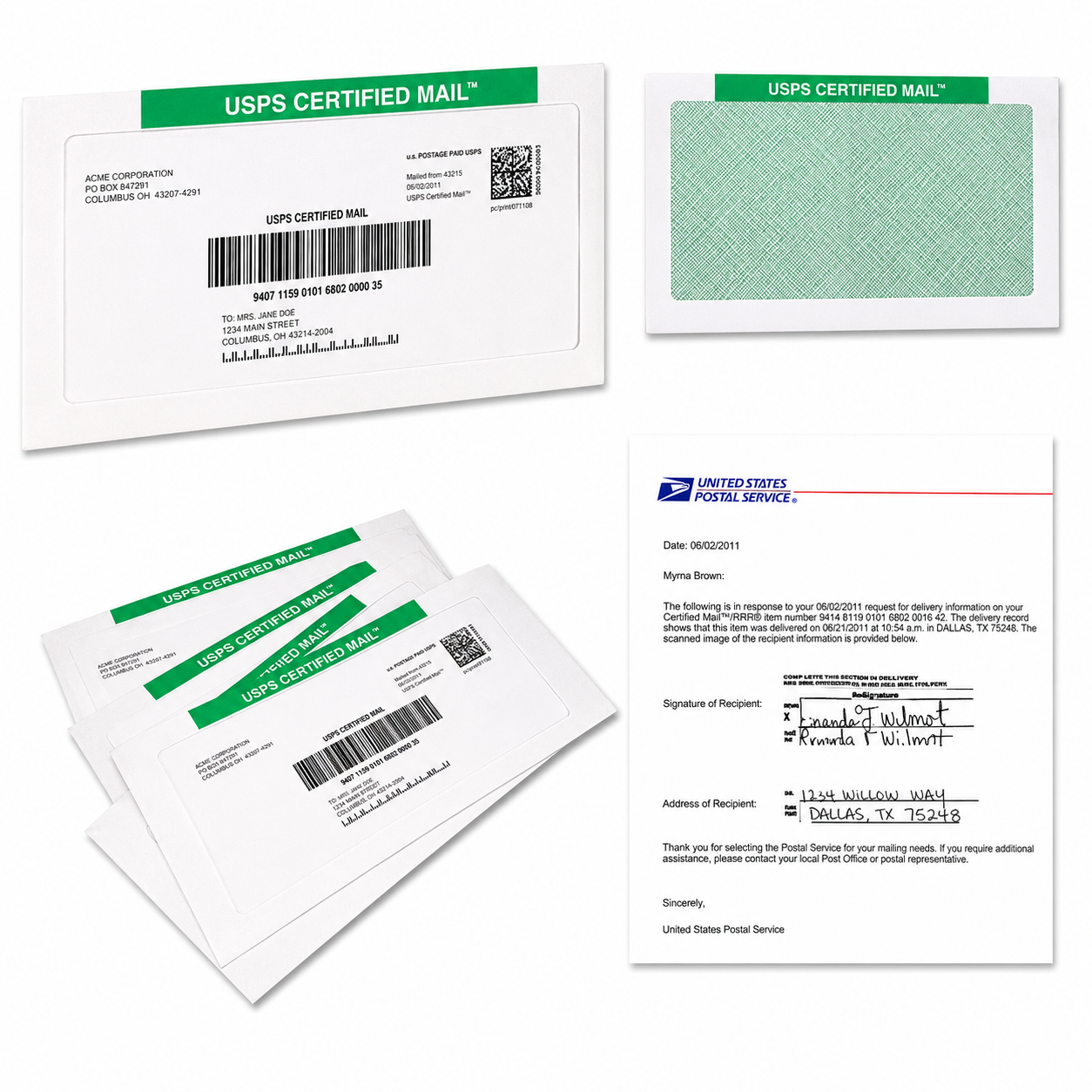
API and secure SFTP automation can reduce manual entry by sending validated address and document data into a controlled mailing workflow. Your team still retains review, authorization, and exception controls, while Certified Mail Labels helps move approved records through label creation, printing, USPS acceptance, tracking, delivery confirmation, and long-term archive storage.
For enterprise, legal, finance, healthcare, property management, and government operations, this means fewer spreadsheets, fewer repetitive tasks, and a more consistent audit trail for every compliance mailing.
Why Automate High-Volume Certified Mail?
When your team sends hundreds or thousands of notices, manual processing creates unnecessary risk. Someone must export addresses, match documents, create labels, check service options, record tracking numbers, and save delivery evidence. A missed row or incorrect document can create delays and administrative work.
Certified Mail Labels gives you several ways to modernize that process:
- Upload Excel or CSV files for batch label processing.
- Connect your system through an API for event-driven mailings.
- Use secure SFTP for scheduled, high-volume file transfers.
- Generate USPS Certified Mail labels and barcodes.
- Capture USPS acceptance and SCAN records for batch documentation.
- Track delivery and delivery attempts.
- Request electronic delivery confirmation and electronic return receipts.
- Receive a notarized affidavit of mailing through applicable full-service workflows.
- Retain mailing records, tracking events, confirmations, and signature records in a searchable 10-year archive.
USPS DMM 503 explains that Certified Mail provides a mailing receipt and electronic verification of delivery or attempted delivery, with Return Receipt available as an additional service. Your automated workflow should help preserve those service records and connect them to the correct internal case, account, patient, policy, employee, or property record. See USPS DMM 503 for service context.
What Does An Automated Mailing Architecture Look Like?
A practical implementation separates your internal systems from the mailing workflow while keeping each step traceable.
| Layer | Function | Recommended Control |
|---|---|---|
| Source system | Creates approved letters and recipient records | Require document approval before submission |
| Data preparation | Builds API requests or SFTP files | Validate required fields, file totals, and document matches |
| Certified Mail Labels | Creates labels, applies postage, processes mail | Use defined service and return receipt rules |
| USPS processing | Provides acceptance, SCAN, tracking, and delivery events | Reconcile USPS records to internal IDs |
| Reporting | Returns statuses, exceptions, and delivery evidence | Route failed records to an exception queue |
| Archive | Stores documents, proofs, and tracking history | Keep a searchable record for the required retention period |
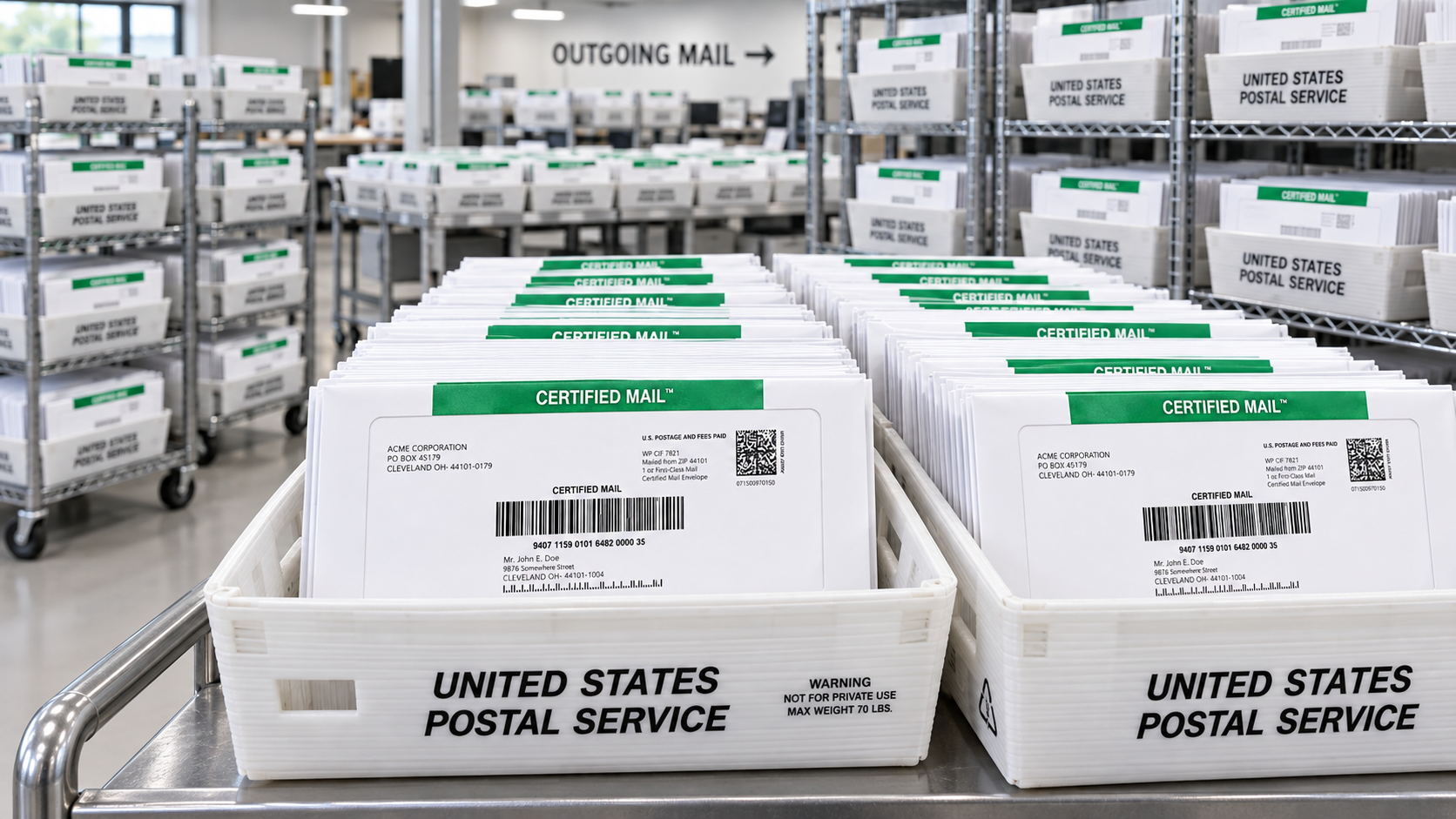
API Automation For Event-Driven Notices
An API is useful when a mailing begins with a specific business event. Examples include a legal notice generated from a case management system, a delinquency notice created by a finance platform, or an employment document approved in an HR system.
Your system can send the approved document, recipient address, mailing option, and internal reference ID to Certified Mail Labels. The response can associate the resulting Certified Mail tracking number and processing status with the originating record.
You’ll get a repeatable workflow without retyping information into a separate mailing screen. Your team can still review the record before submission, authorize the mailing, and determine what happens when an address or document fails validation.
Secure SFTP For Scheduled Batch Mailings
Secure SFTP is a practical choice when your organization already creates scheduled files. A nightly, weekly, or monthly job can place a prepared mailing file and its related PDF documents in an agreed SFTP location.
Typical SFTP setup includes:
- A defined file layout and required column names.
- File naming and batch identification rules.
- Separate folders for incoming files, processed files, errors, and reports.
- Instructions for matching each PDF to the correct recipient.
- Processing rules for Certified Mail, delivery confirmation, and electronic return receipt.
- Return files containing accepted, rejected, tracking, and delivery information.
SFTP reduces manual uploads while giving operations teams a clear handoff point. Your system produces the batch, the mailing workflow processes it, and your team receives results for reconciliation.
What Data And Documents Should You Prepare?
Before implementation, define the minimum data needed for every mailing. USPS DMM 602 and USPS Publication 28 provide address and formatting context for domestic mail.
File And Data Checklist
Your intake specification should address:
- Internal reference or transaction ID.
- Recipient name or organization.
- Street address, apartment, suite, or PMB information when applicable.
- City, state, and ZIP Code.
- Return address.
- PDF document or approved document identifier.
- Document version or template ID.
- Mailing date or processing priority.
- Service selection, such as Certified Mail.
- Electronic delivery confirmation selection.
- Electronic return receipt selection, when a signature record is needed.
- Optional restricted delivery instructions, when applicable.
- Batch ID and source system name.
- Expected record count.
- File checksum or document count, if used by your internal process.
Your team should also confirm that the address shown in the data matches the address used in the document and label. USPS DMM 602 requires complete, legible delivery address elements and provides standards for return addresses, ZIP Codes, and secondary address information.
How Should Retries And Exceptions Work?
Automation should not mean sending every record without review. The strongest workflow defines what happens when a record fails.
A simple retry and exception process can include:
- Validate before submission. Check required fields, document availability, duplicate IDs, file totals, and address formatting.
- Reject obvious errors. Do not send records missing a recipient, delivery address, PDF, or internal reference.
- Retry temporary failures. A timeout or temporary connection issue may be retried using the same idempotency or batch reference, rather than creating a duplicate mailing.
- Hold business-rule exceptions. Place unsupported service combinations, missing approvals, or incomplete addresses into a review queue.
- Reconcile accepted records. Match each accepted record to its tracking number, barcode, and batch ID.
- Investigate production exceptions. Review records that are rejected, held, returned, or missing an expected acceptance event.
- Close the batch. Confirm total submitted, accepted, rejected, mailed, and exception records.
Keep rejected records separate from completed records. Never silently overwrite the original submission. Preserve the original data, the correction, the person or system that approved the correction, and the resubmission reference.
What Should Your Audit Trail Include?
Your audit trail should tell the complete story of each mailing. At minimum, retain:
- The original internal reference ID.
- The submitted recipient address.
- The final address used for mailing.
- The document filename, version, or hash.
- Submission date and time.
- Submission method: Excel/CSV, API, or SFTP.
- User, department, or system that authorized the mailing.
- Certified Mail tracking number and USPS barcode information.
- Mailing service and selected options.
- USPS acceptance or SCAN record when available.
- Delivery tracking events and delivery attempt information.
- Electronic return receipt or signature record, when requested.
- Affidavit of mailing, when included in the applicable service.
- Rejection reason, correction history, and retry information.
- Final mailing status.
- Archive location and retention date.
Certified Mail Labels provides a searchable 10-year compliance archive for mailing records, USPS acceptance scans, tracking events, delivery confirmations, and signature records. That gives your team a practical place to find evidence when a customer, auditor, court, regulator, or internal reviewer asks what was mailed and what happened next.

Which Workflow Should You Use?
Here are just a few ways to choose the right starting point:
- You’ll use Excel or CSV when operations staff need a fast bulk upload with minimal technical work.
- You’ll use an API when mailings are triggered by cases, transactions, account events, or approved documents in another system.
- You’ll use secure SFTP when your organization sends scheduled files and wants unattended batch processing.
- You’ll use Print & Mail when you want Certified Mail Labels to print, prepare, and mail your PDF letters for you.
- You’ll use electronic return receipt when your team needs a digital delivery record and signature information instead of managing paper green cards.
You can also combine these approaches. For example, a finance department may use an API for urgent notices, SFTP for monthly statements, and Excel/CSV uploads for one-time remediation projects.
Recommended Internal Links
Add these internal links to help readers move from education to implementation:
- Create And Print Certified Mail Labels Online
- Print & Mail PDF Letters
- Excel Batch Labels, API, And SFTP Automation
- Excel Batch Label Processing
- Certified Mail Reports And Tracking
- Electronic Return Receipt
Frequently Asked Questions
Is API automation suitable for legal and healthcare operations?
API automation can support legal, healthcare, finance, and other regulated workflows when your organization defines appropriate internal review, authorization, privacy, access, and retention procedures. Certified Mail Labels supplies the mailing workflow and records described above; your organization remains responsible for its own legal and operational requirements.
What is the difference between API and SFTP automation?
An API usually supports real-time or near-real-time submissions from an application. Secure SFTP is generally better for scheduled batch files and recurring high-volume jobs. Both can reduce manual entry and return processing or tracking data for reconciliation.
Can we review mailings before they are sent?
Yes. Your architecture can include an approval step before an API request or SFTP file is released for processing. You can also hold records with missing documents, incomplete addresses, duplicate references, or other exceptions for human review.
Do automated mailings include USPS acceptance and tracking records?
The workflow can associate available USPS acceptance, SCAN, tracking, delivery, and confirmation records with the appropriate mailing record. USPS service availability and record timing can vary by service and event. See USPS DMM 503 for service context.
Can we receive electronic signatures instead of paper return receipts?
When selected and available for the mailing, Electronic Return Receipt provides a digital delivery record with signature information. It can be stored with the related tracking record and retained in the Certified Mail Labels archive.
Automate your high-volume compliance mailings with Excel/CSV, API, or secure SFTP workflows. Keep your review controls, reduce repetitive entry, and give your team a clearer record of every document from approved submission through USPS acceptance, delivery, and long-term archive. Start with Certified Mail Labels bulk automation to discuss your workflow and move your mailing process forward without the Post Office trip.