
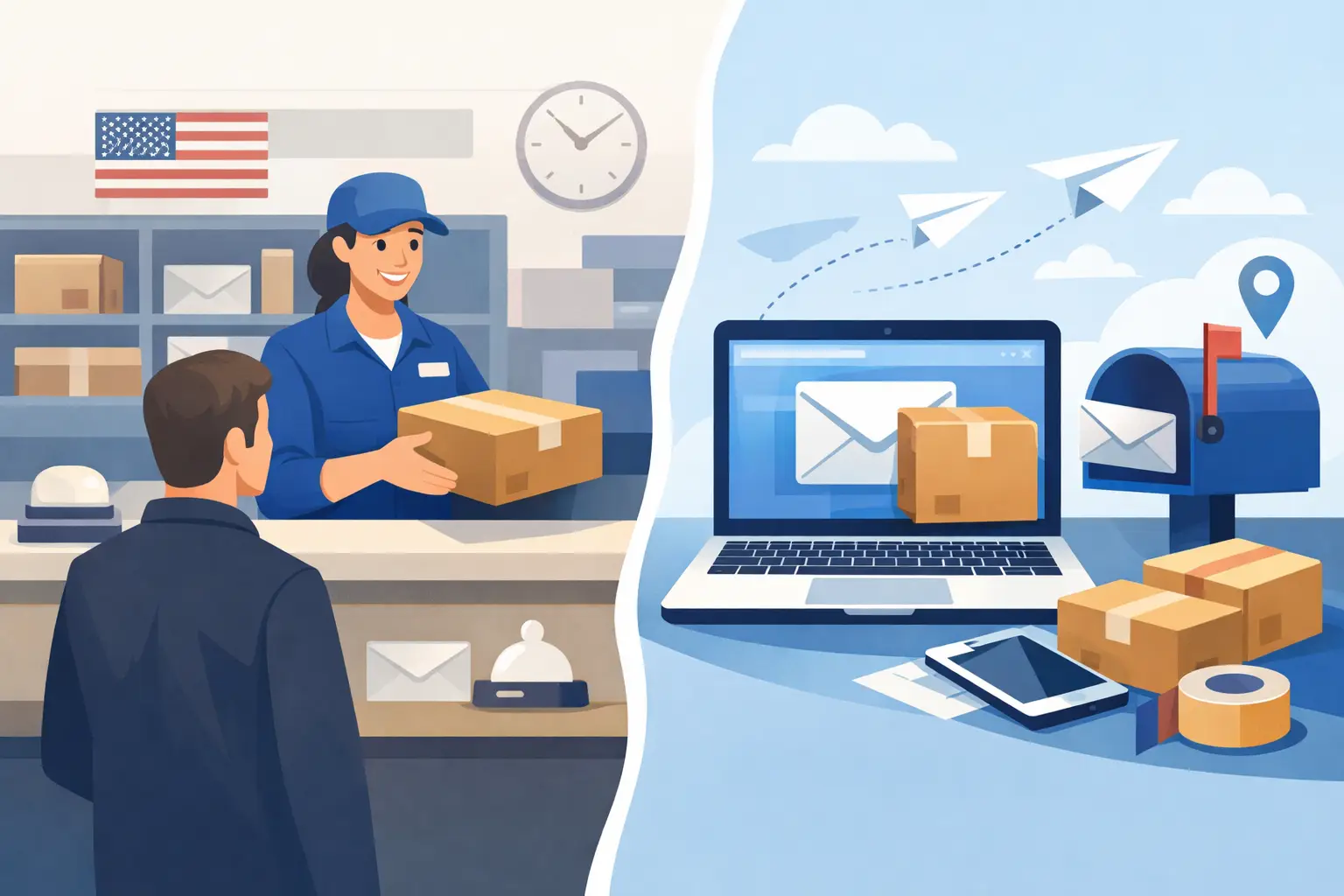
 If your staff is still filling out green forms by hand and standing in line for acceptance, the real question in usps counter vs online mailing is not convenience alone. It is whether your mailing process can produce consistent records, save labor time, and hold up when someone asks for proof six months or six years later.
For occasional personal mail, the post office counter still works. For offices that send Certified Mail regularly, especially where legal, financial, tenant, HR, or compliance records matter, the difference becomes operational. The mailing method affects preparation time, acceptance handling, tracking visibility, and how easily your team can retrieve proof later.
USPS counter vs online mailing for Certified Mail
At the USPS counter, the process is familiar. A sender prepares the envelope, completes the Certified Mail form, may add Return Receipt service, and presents the item to a retail clerk. The clerk accepts the mailpiece, provides a receipt, and the sender keeps whatever paper records were collected that day.
Online mailing changes where the work happens. Instead of preparing forms at the counter, the sender creates compliant labels in advance, prints postage and Certified Mail materials, and presents the mail using a workflow that is built for tracking and documentation. In practice, that means less handwriting, fewer manual steps, and a stronger record trail when the system stores mailing details, acceptance data, and proof of delivery.
That distinction matters most for organizations that send recurring mail, not because the counter is wrong, but because it was not designed to be your records department.
Where the Post Office counter still makes sense
The USPS counter has one clear advantage: simplicity for low volume. If you send a single Certified Mail letter once in a while, walking into a post office may feel easier than setting up an online process. You can ask a clerk a question, buy postage on the spot, and leave with a physical receipt.
It can also be useful when a sender is handling an unusual mailing and wants face-to-face confirmation before sending it. Small offices with no printer access, or individuals who rarely need Certified Mail, may prefer that route.
But that convenience drops fast when volume increases. Once the same office is sending demand letters, tenant notices, tax correspondence, claim notices, collections, compliance notices, or account communications every week, counter mail becomes repetitive labor. Each piece requires the same handwriting, the same line, the same paper receipt handling, and the same risk that a receipt gets misplaced.
Where online mailing changes the workflow
Online mailing is less about replacing USPS and more about moving preparation upstream. Instead of doing every task at the retail counter, your team prepares labels, postage, and mail records in the office. That shifts mailing from an errand to a repeatable process.
For a law office, that can mean preparing multiple Certified Mail pieces for the day’s filings or notices in one batch. For a property management company, it may mean generating tenant letters with tracking data tied to each recipient. For an accounting practice or administrative office, it often means reducing interruptions so staff can process mail without leaving the building.
The benefit is not only speed. It is control. When mailing data is created digitally, the office can standardize how each piece is prepared, who created it, when it was mailed, and how delivery status is retrieved later. That matters when a customer disputes notice, when an auditor requests documentation, or when internal staff turnover makes paper files harder to trace.
Time cost is usually the deciding factor
Most organizations compare postage rates first, but labor cost often matters more. A trip to the counter includes preparation time, travel or walking time, waiting time, and follow-up time for filing receipts. None of that shows up on a USPS receipt, but it shows up in payroll and delayed administrative work.
With online mailing, the office can prepare mail when it fits the workday instead of when a clerk is available. That is especially useful for recurring notices and deadline-driven mail. A batch of ten or fifty Certified Mail pieces can be prepared in a structured way, rather than as ten or fifty separate retail transactions.
If your mailing volume is small and irregular, the savings may be modest. If your team sends Certified Mail weekly, the cumulative time difference becomes hard to ignore.
Records and audit trail are not equal
This is where usps counter vs online mailing becomes more than a convenience choice.
Counter mailing usually leaves you with paper receipts, detached tracking numbers, and whatever internal notes your staff remembers to keep. That may be enough until you need to reconstruct the full mailing history. Then the office has to match envelopes, receipts, delivery results, and recipient details from multiple places.
Online mailing can create a more complete chain of custody because the label creation, tracking number, acceptance documentation, and delivery records are tied to the same digital workflow. For compliance-heavy organizations, that is a practical advantage, not a luxury. It reduces the chance that proof exists somewhere but cannot be found quickly.
For example, if a property manager needs to show when a notice was prepared, mailed, accepted, and delivered, a digital record system is easier to defend than a folder of stapled receipts. The same is true for legal support staff, municipal offices, healthcare administration, and finance teams working under retention requirements.
Accuracy and consistency improve online
Manual counter preparation invites small errors. A tracking number can be transcribed incorrectly. A receipt can be attached to the wrong client file. A Return Receipt can be requested inconsistently from one employee to the next. These are not dramatic failures, but they create avoidable friction.
Online mailing helps standardize the process. Address data can be entered once and printed clearly. Services can be selected consistently. Mailing activity can be tied to a user, matter, department, or job number. That structure matters more as volume rises or when multiple team members prepare mail.
This is one reason many organizations move online before they reach enterprise scale. They are not chasing complexity. They are trying to reduce administrative variation.
The trade-off: setup vs familiarity
The case for online mailing is strong, but it is not automatic for every sender.
A counter transaction requires almost no setup. An online process does. Your staff may need to learn a new interface, use specific label formats, fund postage, or adjust how outgoing mail is assembled. For some offices, that transition is minor. For others, especially those with deeply ingrained paper routines, the change needs a clear owner.
That is why the best choice depends on your volume, documentation risk, and internal discipline. If your office sends one Certified Mail item every few months, online mailing may be more system than you need. If you send recurring notices and ever need to prove what happened, setup effort is usually justified.
High-volume mailers should evaluate more than labels
For larger operations, the real comparison is not just counter versus online. It is manual handling versus managed workflow.
Once departments are sending mail in batches, they often need more than printable labels. They need manifests, acceptance reporting, user controls, and a way to confirm mailing activity across teams. Enterprise and institutional mail programs may also need automation through file imports, APIs, or SFTP so Certified Mail can be generated from business systems instead of being keyed in one piece at a time.
That is where specialized platforms become more useful than general postage tools. Certified Mail Labels, for example, is built around Certified Mail preparation, acceptance documentation, tracking visibility, and long-term record retention rather than simple postage printing alone. For organizations that treat Certified Mail as evidence, that distinction matters.
How to decide which method fits your office
A simple test works well. Ask how often you send Certified Mail, how quickly you need proof, and how damaging it would be if a receipt or delivery record were hard to retrieve.
If mailing is rare, low-risk, and handled by one person, the counter may remain acceptable. If mailing is recurring, deadline-sensitive, or tied to legal or compliance obligations, online mailing usually offers a better operating model.
Also consider who absorbs the friction. At the counter, it is the employee standing in line and the office trying to manage paper records later. Online, the effort shifts to setting up a cleaner process once, then repeating it with less variability.
The better method is the one that supports the way your office actually works, not the one that feels familiar because it has always been done that way. When proof, speed, and documentation matter, mailing should function like a controlled business process, not a side trip to the post office.
The most useful question is not whether online mailing is newer. It is whether your current method gives you reliable evidence with the least operational drag.