
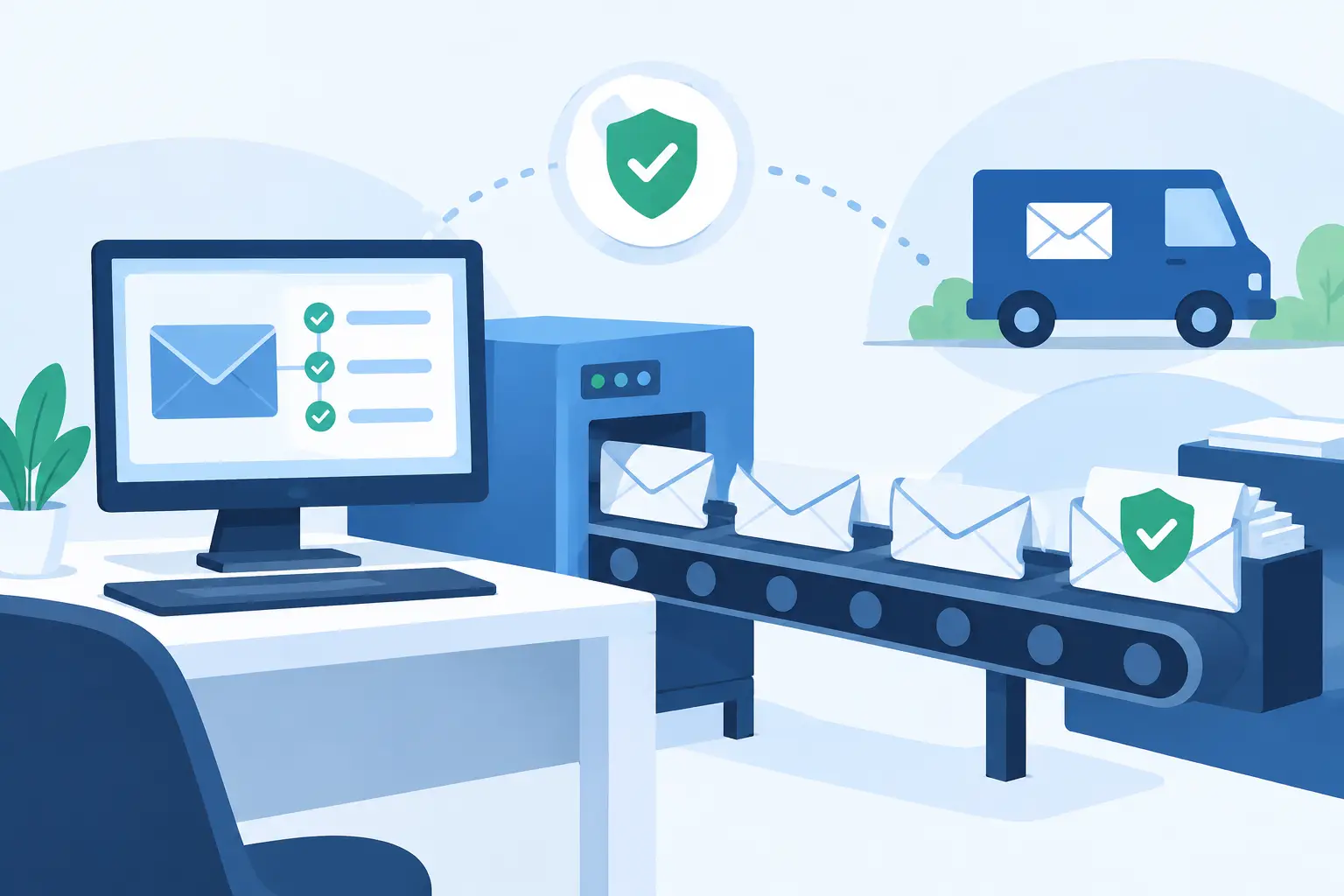
 A missed mailing deadline can become a documentation problem quickly. When a legal notice, tenant communication, account notice, or compliance letter must be sent by a certain date, staff need more than a stamped envelope. They need a clear record of what was prepared, when it entered the mailstream, and what happened after delivery was attempted. Postal automation gives organizations a more controlled way to manage that process.
For Certified Mail users, automation is not simply about printing faster. It is about replacing handwritten forms, disconnected tracking numbers, counter receipts, and paper files with a repeatable mailing workflow. The result is less time spent preparing mail and a stronger chain of record when a mailing history must be reviewed months or years later.
What Postal Automation Means for Certified Mail
Postal automation uses software and standardized mailing processes to prepare, document, and manage outbound mail. For a Certified Mail workflow, that can include creating recipient addresses, generating USPS-compliant labels with postage, assigning tracking numbers, producing a USPS acceptance SCAN form, and retaining mailing and delivery records electronically.
The practical value is consistency. A law office sending deadline-driven notices should not have to rely on an employee correctly completing a separate form for every envelope. A property management team should not need to search through paper receipts to confirm whether a notice was accepted by USPS. An accounting office should be able to associate mailing evidence with the relevant client or account without recreating its records from scratch.
Automation creates a defined process for these tasks. Staff enter or upload mailing data, print the required materials, prepare the mailpiece, and document USPS acceptance. Tracking and delivery activity can then remain connected to the original mailing record.
Where Manual Certified Mail Creates Risk
Manual preparation can work for an occasional letter, but the process becomes harder to control as volume, urgency, or documentation requirements increase. The risk is not limited to the time spent at a post office counter. It also comes from small gaps that are difficult to spot until someone needs proof.
A handwritten label may contain an incomplete address. A tracking receipt may be misplaced. Multiple employees may prepare mail using different methods. One person may retain delivery confirmations in email while another stores them in a physical folder. If a dispute, audit, or customer inquiry occurs later, assembling the full record can take far longer than preparing the original mailing.
Certified Mail also has distinct events that should not be confused. Creating a label establishes preparation information, but USPS acceptance provides evidence that the item was presented to and accepted by USPS. Tracking can show movement through the mailstream, while a Return Receipt Signature provides delivery-related documentation when that service is selected. A dependable process preserves the appropriate evidence for each stage rather than treating a single tracking number as the entire record.
A Practical Postal Automation Workflow
A well-designed workflow should fit the way the office already handles documents, approvals, and case or account records. It does not need to be complicated, but it should define who prepares mail, who verifies it, and where final evidence is stored.
Start with clean mailing data
Automation is only as accurate as the recipient data supplied to it. Before labels are created, confirm names, delivery addresses, unit numbers, and internal reference fields. For recurring mail programs, maintain a controlled address file rather than retyping the same recipient information for each mailing.
Internal reference fields matter for regulated or high-volume operations. A tracking number is useful, but it becomes more useful when connected to a case number, lease file, invoice, claim, customer account, or department identifier. This lets staff locate the mailing record by the information they already use in daily work.
Generate labels and postage in one process
Using preformatted Certified Mail labels with postage reduces the need to separately purchase postage, complete paper forms, and attach multiple materials at the last minute. The label should clearly support the required USPS service and retain the associated tracking information in the sender's records.
For lower-volume users, this may be a straightforward online label creation process. For offices sending a batch of notices, address uploads and batch processing can reduce repetitive data entry. The best approach depends on volume and the frequency of recurring campaigns. A small office may need a simple print-and-mail routine, while an enterprise mailroom may require automated file transfer, system integration, account funding controls, and confirmation reporting.
Document USPS acceptance correctly
One of the most valuable controls in a Certified Mail process is the USPS acceptance record. A SCAN form can consolidate multiple eligible mailpieces into one barcode for USPS acceptance, helping staff avoid individual counter transactions for each item.
That does not mean the mail can be left without an acceptance scan or that a printed label alone proves USPS possession. Teams should establish a handoff procedure: prepare the batch, retain the manifest or SCAN documentation, obtain the USPS acceptance event, and confirm that the acceptance information is available in the mailing record. This is especially important when mail is time-sensitive.
Monitor delivery and exceptions
Postal automation should not end at label printing. Tracking data provides operational visibility after a mailing enters the USPS network. Staff can identify delivered items, delivery attempts, address issues, and mailpieces that may require follow-up.
Not every exception has the same meaning. A delay may reflect postal processing, an incomplete delivery address, an unavailable recipient, or another handling event. The appropriate response depends on the purpose of the communication and any deadline involved. For matters with legal or regulatory implications, organizations should follow their own policies and professional guidance rather than assuming a tracking status resolves the underlying obligation.
Retain the complete record
The final step is often the one that saves the most time later. Keep the label details, tracking history, USPS acceptance information, delivery record, and Return Receipt Signature when selected in a single accessible system. A complete record supports customer service, audit preparation, dispute response, and internal reporting.
Certified Mail Labels retains mailing documentation and delivery records for up to 10 years, helping organizations maintain a long-term chain of custody without depending on paper receipt storage. That retention period can be particularly useful for organizations whose recordkeeping requirements extend well beyond the day a letter is delivered.
Choosing the Right Level of Automation
Postal automation is not one fixed setup. The right level depends on mailing volume, the sensitivity of the documents, and how much manual handling the organization can reasonably support.
An individual or small business that sends a few Certified Mail items each month may only need online label creation, print capability, and reliable record storage. A property manager sending notices across several locations may benefit from batch address processing and centralized reporting. A law firm, government office, insurer, or enterprise department may need approval controls, repeatable file formats, manifests, automated confirmation reports, and API or SFTP connections to existing case-management or business systems.
More automation can reduce repetitive work, but it also requires process ownership. Someone must validate imported data, manage user access, monitor funding, and investigate exceptions. The goal is not to automate every decision. It is to automate routine preparation and documentation so personnel can focus on the exceptions that require judgment.
Controls That Keep the Process Reliable
A mailing workflow is strongest when operational controls are built into the routine. Limit who can create or approve high-impact mailings, especially when the documents involve legal notices, account actions, or sensitive customer information. Use consistent naming conventions for batches and reference fields so records can be found later.
Staff training should cover the difference between label creation, USPS acceptance, tracking, and proof of delivery. These events answer different questions. A label shows what was prepared. Acceptance documents the handoff to USPS. Tracking provides transit visibility. Delivery evidence records the final outcome available through the selected service.
It is also useful to review reports on a regular schedule. Look for mailings without an expected acceptance event, items with prolonged tracking inactivity, recurring address problems, and mail that has not reached a final delivery status. A short weekly review can prevent a backlog of unresolved correspondence.
Make Mailing Evidence Part of the Work Record
The most effective Certified Mail operations do not treat proof of mailing as an afterthought. They treat it as part of the original business record. When staff can create compliant labels, document USPS acceptance, monitor delivery, and retrieve evidence from one defined workflow, the mailing process becomes easier to manage and easier to defend.
Start with the mailings that create the greatest administrative burden or carry the highest documentation stakes. Establish a repeatable process for those items first, then expand postal automation as volume and operational needs grow.